
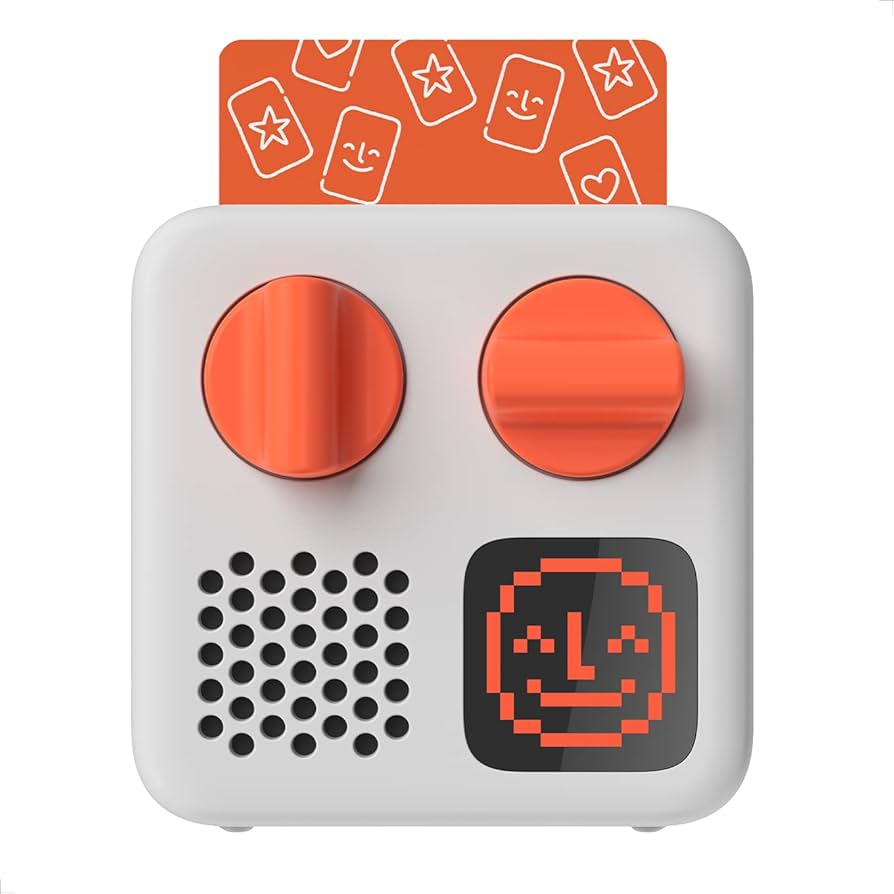
Yoto, the interactive audio platform, features a curated world of stories, music, activities, sound effects, podcasts and radio. The Yoto Mini Player uses physical cards to play audio content. The Yoto App contains the library where all your cards live. Any new cards you buy are instantly added to app's library, and you can scan new cards [borrowed from MADL] directly into the app, too. The app isn't just about keeping the cards you've bought (or borrowed) all together, there's a wide variety of free audio to explore, too (Yoto Daily, Yoto radio, Sleep sounds, and Timers). The Yoto app allows parents to perform initial setup of the Yoto player, then control it remotely if they want to. Play cards from the Yoto Mini Player, for a screen-free, distraction-free audio experience, or play cards directly from the app. --
The Yoto Mini Player must be paired with the free Yoto app. When paired with the Yoto app, the Yoto Mini Player can stream content as well as any Yoto cards that you purchase or borrow. The first time you play any card on the Yoto Mini Player, it will be streaming the content, so the Yoto Mini Player needs to be paired online. Once the card has been downloaded to the Yoto Mini Player, the player can be offline to play the card. Once the card has been returned to MADL and activated in another user's library, the card will no longer be available in your Yoto app library. To learn more visit: http://yotoplay.com